
What's new
What's new: the change tree
Every change on the site that matters to customers and workshops, week by week: what you can do now in the planner and our services, and what we fixed.
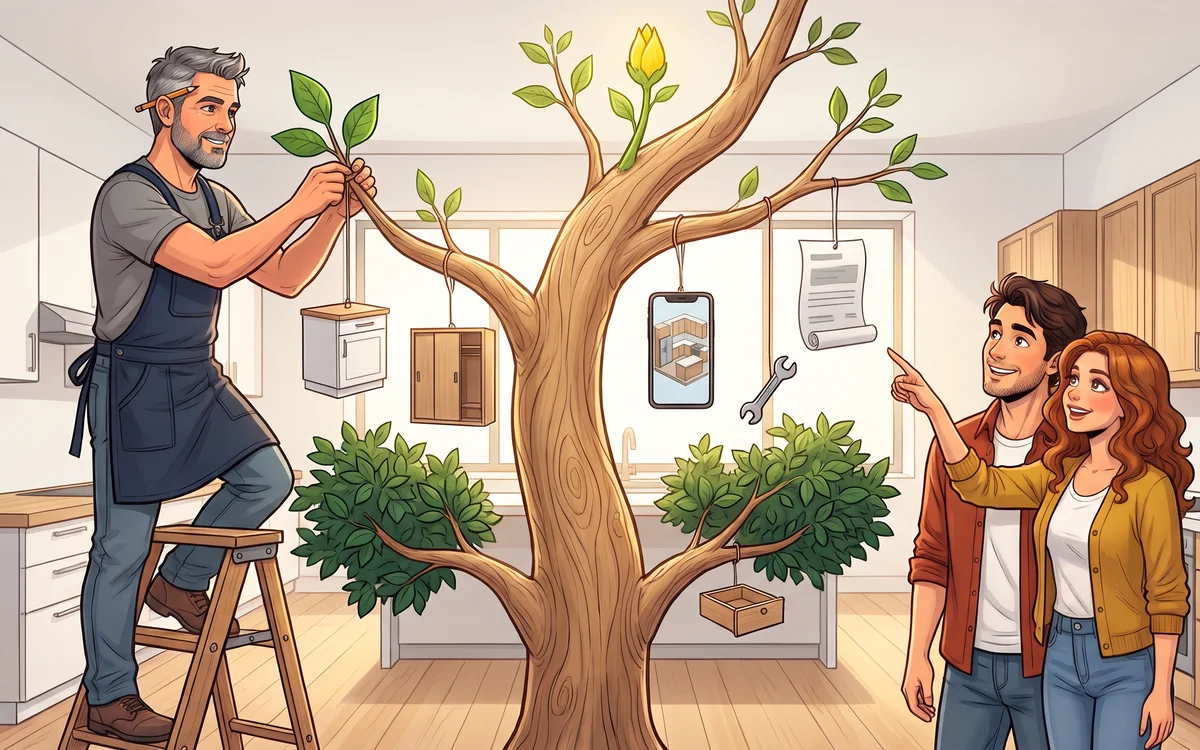
The site grows every week. So you don't have to guess what's new, we've gathered every change that matters to you, our customers and workshops, in one place and arranged it as a tree: the newest branches are at the top, and the root is the day we started keeping track.
Each branch is one week. A green leaf marked Now you can is a new feature, and an orange wrench marked Fixed is something that didn't work as it should before. Internal changes, such as tests, server speed and the tools we use, are not listed here.
The change tree, week by week
Use the buttons above the tree to see everything, only new features or only fixes. A branch with more changes opens with Show all.
Change tree
The newest branches are at the top. We add new ones as the site grows.
Latest17-22 November 2026
Kitchen in 24h now covers wardrobes too
Now you can · Kitchen in 24h
Kitchen in 24h now draws built-in and freestanding wardrobes too. Send your measurements and wishes, and tomorrow you get the 3D, the cut list and the assembly guide. Take a look →
Now you can · Kitchen in 24h
In a hurry? We can draw your kitchen in 12 hours. You can also send a request without creating an account. Take a look →
Now you can · For workshops
On a paid order you choose the company that cuts your boards, and the cut list comes in the format that company asks for. Take a look →
Now you can · Kitchen
When a cabinet doesn't fit to the end of the wall, the planner shows how many millimetres are missing and offers a one-click swap.
Now you can · Kitchen
12 new door styles, including a door with a routed grip, for one more kind of handleless kitchen. Take a look →
Now you can · Kitchen
Cabinets snap to the wall or to the next cabinet once they are within 5 cm, and two cabinets swap places in one move.
Now you can · For workshops
Annual workshop plans at founding prices, with a 12-month guarantee. Take a look →
Now you can · For workshops
The What you get page has a new example: a kitchen with an island and every document a workshop receives with it. Take a look →
Now you can · 3D and images
Photorealistic images of a paid kitchen no longer have a daily limit.
Fixed · Kitchen
The L-shaped corner cabinet now fits into a partly occupied corner, and the hood goes exactly above the hob.
Fixed · 3D and images
Door colour no longer disappears when you switch to Preview without clicking Apply.
Fixed · 3D and images
Preview on Android no longer stalls: a quick picture of the kitchen shows at once, and the photorealistic one is a tap away.
Fixed · Ordering
Signing in from the Get plan button now takes you back to the plan you picked, not to the start.
We draw your kitchen
Now you can · Kitchen in 24h
New service: send your measurements and wishes, and our team draws the kitchen. You get a render, 4 photorealistic images, the cut list and the documentation, with a money-back guarantee. Take a look →
Now you can · Kitchen in 24h
You pick colours from swatches, part by part, and the fridge can be stainless steel, black or white.
Now you can · Guides
3D assembly guides, step by step, for every cabinet. They can also be read aloud. Take a look →
Now you can · 3D and images
The home page now has a 3D kitchen: turn it with your finger and use the slider to take it apart and put it back together.
Now you can · Kitchen
Bridge cabinets above the fridge and the hood: one bridge per cabinet, with alignment and manual widening. Take a look →
Now you can · Kitchen
Tiles: 16 new patterns, parquet in 4 layouts and 5 grout colours.
Now you can · Kitchen
One planner for everyone: the step-by-step guide, where you describe your kitchen by voice or text, is now open to all. Take a look →
Now you can · Assistant
The drawing assistant now steps in with a fix when the planner blocks a move, for example by suggesting to place the cabinet right next to the other one.
Now you can · Assistant
Drawing by voice now works in the regular planner too, not only in Super Planner. Without an account you can ask the assistant 7 trial questions a day.
Now you can · Wardrobes
Wardrobes: a filler strip up to the ceiling, a double hanging rail, door dimensions and voice commands. Take a look →
Now you can · For workshops
Import projects from SketchUp and CAD Decor, and export for Corpus.
Now you can · For workshops
The PDF quote for your client can now include photorealistic images of the kitchen, and the materials list shows the number of holes and the drilling cost.
Now you can · Languages
For customers in Germany and Austria: an imprint page and the right of withdrawal with a form.
Fixed · Kitchen
Tall cabinets no longer slip off the wall, and two cabinets can no longer take the same corner.
Fixed · Website
The site no longer crashes when your browser translates the page.
The site in seven languages
Now you can · Languages
The site is now also in Slovenian, Macedonian and German, alongside Serbian, Bosnian, Croatian and English.
Now you can · Wardrobes
Built-in wardrobes, wardrobes and TV units are paid for the same way as a kitchen, in a single order. Take a look →
Now you can · Assistant
Build cabinets by voice: shelves, glass doors, LED lighting, drawers in a compartment and a handle per zone.
Now you can · Kitchen
A display cabinet facing the living room at the end of the run, in three heights, with bronze glass.
Now you can · Kitchen
Hood wall cabinets wider than 60 cm now get two doors, and the underside of a bridge cabinet can match the door decor.
Now you can · Ordering
You can order the cut list straight from the cost summary.
Now you can · Guides
Gola L and C profiles in a 3D guide, plus a new guide: cabinet backs nailed on or set in a groove. Take a look →
Fixed · Kitchen
Islands and peninsulas now match the height of the base cabinets, including with gola profiles.
Fixed · 3D and images
Photorealistic images now show handles, push-to-open and gola profiles exactly as in the planner.
Fixed · Ordering
The whole quote is now visible on laptops with shorter screens.
Assembly videos and islands
Now you can · 3D and images
An assembly video of your own kitchen: an animated installation as an MP4, vertical for phones or landscape for screens. Take a look →
Now you can · Kitchen
Islands and peninsulas, with all production documents. Move the breakfast bar, set a custom width, and add an LED strip and 3D bar stools in your kitchen colour. Take a look →
Now you can · For workshops
The Craftsman 4 plan for smaller workshops: four kitchens, a one-off payment, no monthly subscription. Take a look →
Now you can · Phone
On phones the kitchen fills the whole screen, with fewer buttons, and you can draw by voice.
Now you can · Kitchen
Select several cabinets and change their height, handle or door all at once. The Delete key removes the selection, and minus and plus buttons change the number of shelves.
Now you can · Kitchen
Gola profiles L and C, or L only, with a map of where each profile goes and the fittings included in the price.
Now you can · Kitchen
Decorative hoods from 60 to 90 cm, an under-cabinet hood and a hood wall cabinet in every size.
Now you can · Kitchen
The wall behind the worktop: cladding in the worktop decor or glass (bronze, black, frosted).
Now you can · Kitchen
36 compact worktop decors and ready-made doors in more styles and colours.
Now you can · Kitchen
Nolte cabinets: REVO, TANDEM, Lunch, plinth drawers, mid-height units and appliance housings.
Now you can · Wardrobes
Two-part wardrobes with an optional top section, and an open TV niche. Take a look →
Now you can · For workshops
The workshop picks the quote currency: euro, KM or dinar.
Now you can · Assistant
When you get stuck in the planner, asking the assistant is free.
Fixed · Kitchen
A warning no longer stops you: you get the documents even when the planner only flags something.
Fixed · For workshops
The breakdown in the PDF quote now adds up exactly, in the short version too.
Workshop documents
Now you can · For workshops
A work order for the workshop in 8 sections, plus panel labels 70 x 37 mm. Take a look →
Now you can · For workshops
The cut list now comes with a PDF drawing of every cabinet, with edging and drilling.
Now you can · For workshops
Cabinets around pipes and pillars: notches and stepped carcasses based on the obstacle height.
Now you can · For workshops
A production specification and an issued PDF, with the site survey confirmation kept separate from entering measurements.
Now you can · Kitchen
Nolte catalogue: glass doors and special cabinets, with production documents.
Now you can · Kitchen
The cabinet catalogue is now sorted by purpose and size, with a tall pantry.
Now you can · Kitchen
Enter a ventilation duct as an obstacle, and the planner works around it. Take a look →
Now you can · Phone
Remote: your phone works as an app for drawing by voice, without the site menu.
Fixed · Kitchen
The corner plinth now lines up and closes the joint on both legs.
Fixed · 3D and images
The ZIP of 3D images for your client is prepared faster.
Where the tree began: 22 October 2026
How the tree grows
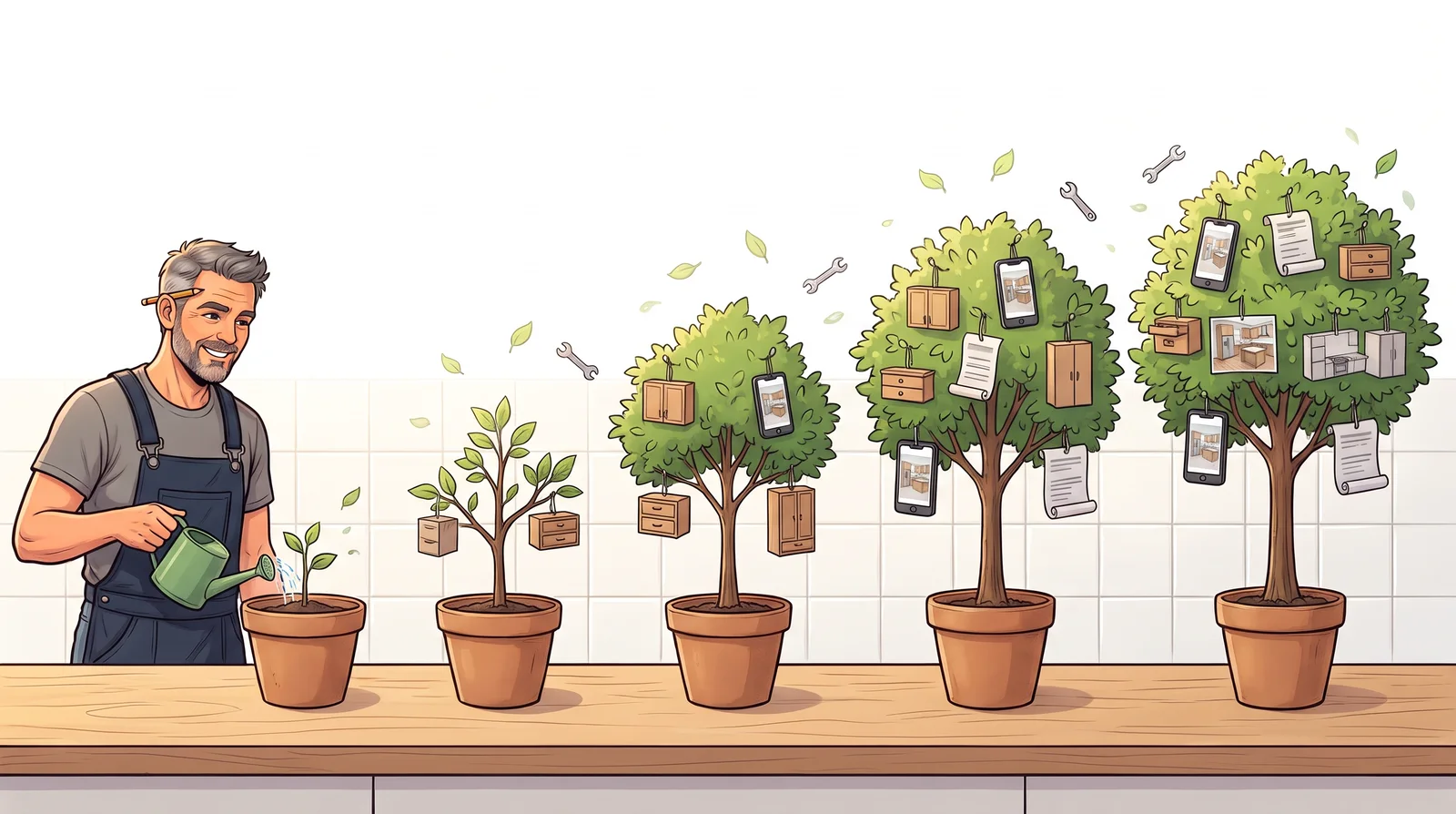
The same tree in five pots on a kitchen worktop, from a small sapling to a full tree; tiny cabinets, a wardrobe and a phone with a 3D kitchen hang from the branches while a cabinet maker waters the smallest sapling.
We add new branches as changes go live, usually once a week. Many of them grew out of your messages and your questions to the assistant: when something gets stuck, we see where and fix it.
- Draw your kitchen yourself in the planner, or have our team draw it for you with Kitchen in 24h.
- Draw built-in and freestanding wardrobes in the wardrobe planner, and a TV wall in the TV unit planner.
- Workshops and showrooms find everything about plans and documents on the For workshops page.
Questions about what's new
How often do you add new branches?
We extend the tree as changes go live, usually once a week. The newest branch is always at the top.
Do I need to do anything to get the new features?
No. Changes apply right away, for everyone. The next time you open the planner, you get the new version, and your saved projects stay where they were.
What do Now you can and Fixed mean?
Now you can is a new feature that wasn't there before. Fixed is something that already existed but didn't work as it should, so we repaired it.
I can't see a change. What should I do?
Refresh the page. If your browser still shows the old version, close the tab and open the site again.